

We provide Secured Notes online (apkid: secured.notes) in order to run this application in our online Android emulator.
Description:
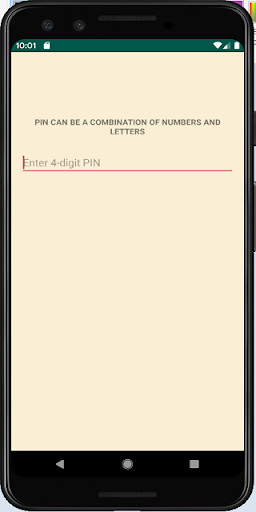
Download this app named Secured Notes.
This app will let you save personal notes, passwords, bank details, and contacts as well as any other personal or secret information which will be hidden from strangers and securely protected by a password.⢠The app is very easy to use.
All you need to do setup a password, and you will be able to start adding your secret notes.
⢠The free version has no ads!
⢠Google Drive Auto Backup support, App automatically backs up the encrypted Notes by uploading it to the user's Google Driveâwhere it's protected by the user's Google Account credentials.
⢠You can take backup of your saved notes anytime, also you can transfer backup notes other mobile phone and restore.
No need to worry, your notes are encrypted.
⢠You can easily restore your saved notes on any device.
⢠App provides multiple option to share your notes.
Advantages:
1. Very easy to use
2. All of your notes are securely protected and accessible only to you
3. Search option
4. Automatic lock immediately upon leaving the app idle or after a predetermined period of time
5.
Supports biometric/fingerprint authentication based login
Note: Default password for your Secured Notes login is 1234.
Please change your password on first login.
Updates:
Minor bug fixes.
Free download Android Secured Notes from MyAndroid.net
MyAndroid is not a downloader online for Secured Notes. It only allows to test online Secured Notes with apkid secured.notes. MyAndroid provides the official Google Play Store to run Secured Notes online.
