

We provide Sales Order Entry - JDE E1 online (apkid: sales.order.entry.jde.e1) in order to run this application in our online Android emulator.
Description:
Download this app named Sales Order Entry - JDE E1.
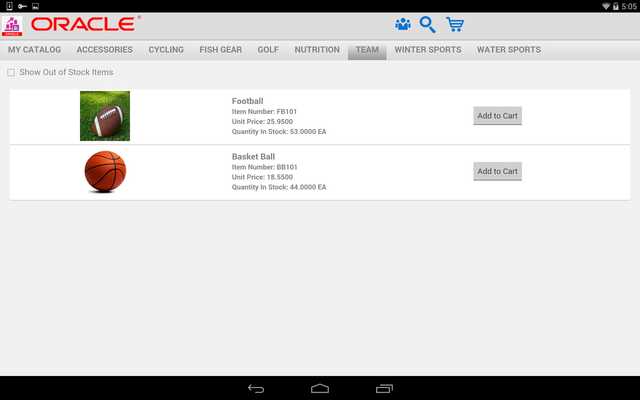
JD Edwards EnterpriseOne Sales Order Entry for Mobile Tablet application provides your sales force with a front-end order entry interface that they can use on a mobile tablet device.Using the Sales Order Entry mobile tablet application, users can:
* Locate items in product catalogs.
* View item details, such as pictures, description, available quantity, and price.
* Add items to an order by selecting from a catalog, manually typing in an item, or scanning the item.
* Update the quantity and unit of measure.
* View order details and subtotals.
* Enter customer and contact information at checkout.
* Select the payment method to complete the order.
You must be a user of JD Edwards EnterpriseOne Sales Order Management with mobile services configured by your administrator.
Contact your IT department for the final step to configure this mobile application with your business data on your device.
Instructions to enable mobile services for this application can be found through My Oracle Support at https: //support.oracle.com.
Updates:
Various bug fixes.
Free download Android Sales Order Entry - JDE E1 from MyAndroid.net
MyAndroid is not a downloader online for Sales Order Entry - JDE E1. It only allows to test online Sales Order Entry - JDE E1 with apkid sales.order.entry.jde.e1. MyAndroid provides the official Google Play Store to run Sales Order Entry - JDE E1 online.
