

We provide QuickHue - QuickSettings Tile online (apkid: quickhue.quicksettings.tile) in order to run this application in our online Android emulator.
Description:
Download this app named QuickHue - QuickSettings Tile.
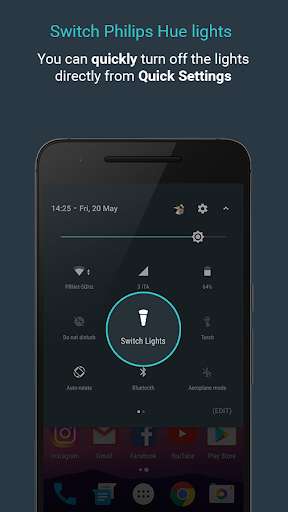
With QuickHue you can switch on/off your Philips Hue lights directly from the Quick Settings with one tap - This Apps takes advantage of the new Android N APIs, so Android N is required for this app.It's very simple to use and the configuration takes around 30 seconds!
FAQ
- The app is not working correctly: Go to Settings (top-right icon) and click "Reset App", this will reset your app configuration.
If you still have issue, write me an email on: [email protected].
- Because I can't add multiple Tiles: Multiple Tiles feature is only available in the Pro version.
- Why the Tile State feature is experimental: Due to Hue API limitations.
We will try to improve this feature.
- Follow QuickHue on Twitter to get promo codes and app updates: https: //twitter.com/quickhuetile
Updates:
We built QuickHue 2.0 from scratch to give you the best experience- Improved Tile response
- Tile State (Experimental)
Introducing QuickHue Pro: Configure up to 6 tiles, customizable Tile icon & name, and more: https: //play.google.com/store/apps/details?id=com.lpirro.quickhuepro
Free download Android QuickHue - QuickSettings Tile from MyAndroid.net
MyAndroid is not a downloader online for QuickHue - QuickSettings Tile. It only allows to test online QuickHue - QuickSettings Tile with apkid quickhue.quicksettings.tile. MyAndroid provides the official Google Play Store to run QuickHue - QuickSettings Tile online.
