

We provide Quick Sync (manual Sync - no User Interface) online (apkid: quick.sync.manual.sync.no.user.interface) in order to run this application in our online Android emulator.
Description:
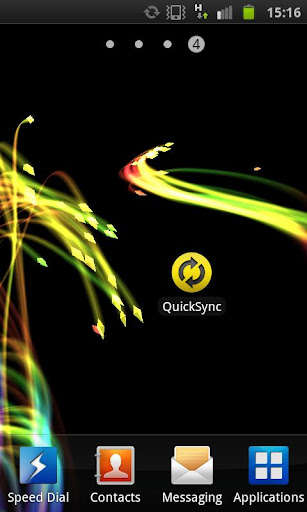
Download this app named Quick Sync (manual Sync - no User Interface).
Looking for a very simple and small app to sync all your Google accounts?With QuickSync you can easily sync all your Google accounts with just a single click! The app looks for your accounts and syncs your Contacts, Calender data and your Gmail account! That's it, nothing more! There is no customization, no Widget and no GUI available.
*** Notice ***
Please read the FAQ below if you have further questions.
Please report bugs to me instead of giving a bad rating.
I will fix them as soon as possible!
*** FAQ ***
Q: Is there a user interface?
A: no.
The sync is done in the background without visual interruptions.
Q: Can QuickSync help saving battery power?
A: Yes, if you disable the Android's native automatic synchronization in settings and use this app instead.
Q: Can I customize which accounts and what data is being synchronized?
A: No, all Google accounts will be synchronized.
Q: Do I have to close the app?
A: No, QuickSync exits after synchronization is complete.
Updates:
v1.2.0New Icon for High-Res Devices
Support Android 4.0+
Free download Android Quick Sync (manual Sync - no User Interface) from MyAndroid.net
MyAndroid is not a downloader online for Quick Sync (manual Sync - no User Interface). It only allows to test online Quick Sync (manual Sync - no User Interface) with apkid quick.sync.manual.sync.no.user.interface. MyAndroid provides the official Google Play Store to run Quick Sync (manual Sync - no User Interface) online.
