
We provide My servers online (apkid: myservers) in order to run this application in our online Android emulator.
Description:
Run this app named My servers using MyAndroid.
You can do it using our Android online emulator.
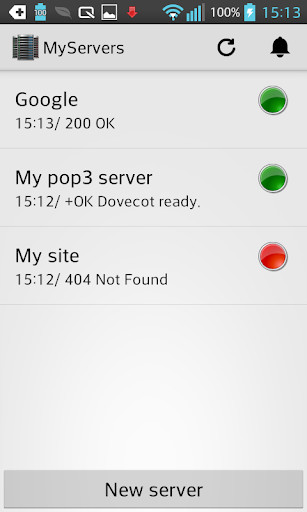
Continuously monitors the status of any visible network machine.
Tool designed for server administrators and webmasters.
When any of the target servers goes down, an alarm is generated based on your settings.
Alarms are generated at any time even when the application is not open or after rebooting the smartphone.
To configure a server must set a host and a port.
The host can be a URL or an IP address.
In case that you want to connect to a web site, must be indicated port 80 and http connection will be established.
In the case of setting any other port, it will try to establish a connection on the specified port, if not receiving any response, a ping request is realized to host and the result is displayed.
Tool designed for server administrators and webmasters.
When any of the target servers goes down, an alarm is generated based on your settings.
Alarms are generated at any time even when the application is not open or after rebooting the smartphone.
To configure a server must set a host and a port.
The host can be a URL or an IP address.
In case that you want to connect to a web site, must be indicated port 80 and http connection will be established.
In the case of setting any other port, it will try to establish a connection on the specified port, if not receiving any response, a ping request is realized to host and the result is displayed.
MyAndroid is not a downloader online for My servers. It only allows to test online My servers with apkid myservers. MyAndroid provides the official Google Play Store to run My servers online.
