

We provide Mobile Fence Parental Control (Parent) online (apkid: mobile.fence.parental.control.parent) in order to run this application in our online Android emulator.
Description:
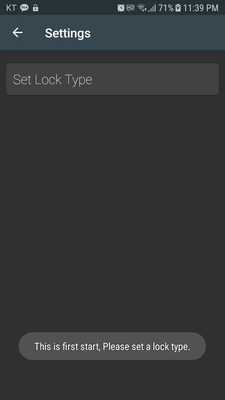
Download this app named Mobile Fence Parental Control (Parent).
Use it when you want to control the smartphone that children use.Remote app lock uses a password or pattern to keep your kids from using your app.
Unnecessary and difficult functions have been removed.
There is no statistical function, usage report, time setting function.
Watch your kids and lock your child's smartphone at the desired timing.
Try the easy App Lock application.
If the child uninstalls the device manager and deletes and reinstalls the application, the key number changes.
The key number change is a sign that you deleted it soon.
** To control your smartphone for your child, Please download the Lock remote apps for your kids.
** https: //play.google.com/store/apps/details?id=com.bbtoolsfactory.childrenlocker
Premium
If you install App Parental for the first time, The premium 30 days of free, It is free for life without a ticket.
App Blocking, managing a child's smartphone
* App Lock App need USAGE DATA ACCESS permission to work, please enable it to us.
Updates:
change targetSdkVersion 27
Free download Android Mobile Fence Parental Control (Parent) from MyAndroid.net
MyAndroid is not a downloader online for Mobile Fence Parental Control (Parent). It only allows to test online Mobile Fence Parental Control (Parent) with apkid mobile.fence.parental.control.parent. MyAndroid provides the official Google Play Store to run Mobile Fence Parental Control (Parent) online.
