
We provide KeyboardApp online (apkid: keyboardapp) in order to run this application in our online Android emulator.
Description:
Download this app named KeyboardApp.
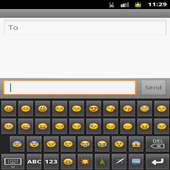
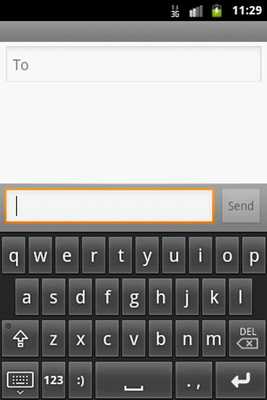
Its a custom keyboard application .you can use it instead of default keyboard.It has all default feature of soft keyboard with some extra feature like all Emoji,s,Smileys and Facebook hands.Steps For Installation:
1.Install the APK.
2.Then Go to settings.
3.Then select Language and keyboard.
4.Then check the custom keyboard check box and select OK.
5.For fist time you have check the input method(custom keyboard).
Updates:
Facebook icons added.
Free download Android KeyboardApp from MyAndroid.net
MyAndroid is not a downloader online for KeyboardApp. It only allows to test online KeyboardApp with apkid keyboardapp. MyAndroid provides the official Google Play Store to run KeyboardApp online.
