

We provide Json Genie (Editor) online (apkid: json.genie.editor) in order to run this application in our online Android emulator.
Description:
Download this app named Json Genie (Editor).
Json Genie is a JSON editor that was created by the need of a developer.Really, really fast
It is ridiculously fast, which was really important while creating the app.
Our tests reveal that it opens a 2 MB json file in under a second.
We even did tests with files over 50 MB and Json Genie handled them without a sweat.
View, edit, add, clone & remove objects/arrays/values
Json Genie allows full reign over your json files.
You can clone arrays/objects/values, you can add new arrays/objects/values, edit existing ones and even remove arrays/objects/values
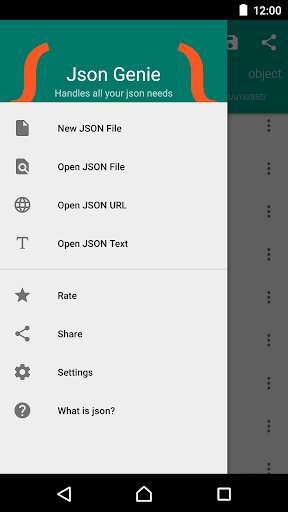
Create/open from sd, url, text, dropbox, .
Because Json Genie uses the default Android way of opening files, it can open a json file from all sources available on your Android phone (Dropbox, Drive, SD, .).
You can even copy/paste your custom json text or open a URL.
Share/save your json files
Powerful filter
Easily find the elements you want by using the easy to use filter option.
Set as default json handler
Easily open json files from various applications by setting Json Genie as your default json handler.
Updates:
'View As Text' was showing a white screen in some cases.This is now fixed
Changing the orientation of the phone doesn't reset the view anymore
Arrays in arrays are now supported
Sharing a json file has been improved
Fixed more bugs
Free download Android Json Genie (Editor) from MyAndroid.net
MyAndroid is not a downloader online for Json Genie (Editor). It only allows to test online Json Genie (Editor) with apkid json.genie.editor. MyAndroid provides the official Google Play Store to run Json Genie (Editor) online.
