

We provide CVS (Version Control) Manual online (apkid: cvs.version.control.manual) in order to run this application in our online Android emulator.
Description:
Download this app named CVS (Version Control) Manual.
CVS is a version control system.Using it, you can record the history of your source files.
The CVS Reference Manual provides beginners with a simple introduction to the basics, and experts will find advanced details they need.
In this you will see the following things below.
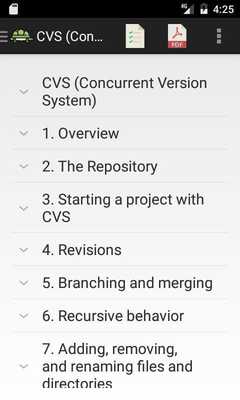
Table of Contents
1.
Overview
2.
The Repository
3.
Starting a project with CVS
4.
Revisions
5.
Branching and merging
6.
Recursive behavior
7.
Adding, removing, and renaming files and directories
8.
History browsing
9.
Handling binary files
10.
Multiple developers
11.
Revision management
12.
Keyword substitution
13.
Tracking third-party sources
14.
How your build system interacts with CVS
15.
Special Files
A.
Guide to CVS commands
B.
Quick reference to CVS commands
C.
Reference manual for Administrative files
D.
All environment variables which affect CVS
E.
Compatibility between CVS Versions
F.
Troubleshooting
G.
Credits
H.
Dealing with bugs in CVS or this manual
Index
You will find all this section offline without any internet connection and learn CVS easily anywhere and anytime.
Updates:
Data loading speed improved
Free download Android CVS (Version Control) Manual from MyAndroid.net
MyAndroid is not a downloader online for CVS (Version Control) Manual. It only allows to test online CVS (Version Control) Manual with apkid cvs.version.control.manual. MyAndroid provides the official Google Play Store to run CVS (Version Control) Manual online.
