

We provide Always on Screen online (apkid: always.on.screen) in order to run this application in our online Android emulator.
Description:
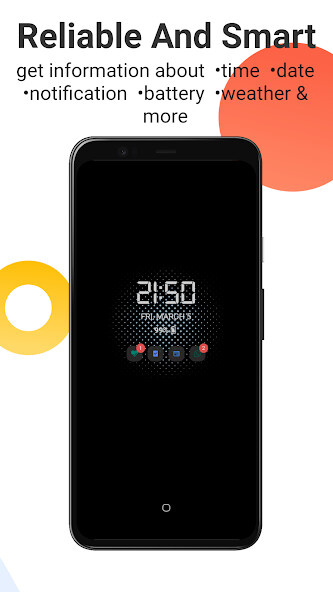
Download this app named Always on Screen.
This application keeps your screen always on, or allows you activate it by wave your hand hover the proximity sensor.This way, you can check the time, date and your notifications whenever you want.
FEATURES:
â®PERSONALIZATIONâ®
â Double tap to unlock the phoneâ
â Display notificationsâ
â Choose apps that we can see notificationsâ
â Different clocksâ
â Different calendarsâ
â Different fontsâ
â Resize almost all elements of the "Always On Screen"â
â Show battery percentageâ
â Choose which information you can seeâ
â Auto move to avoid amoled displays burn inâ
â Pocket modeâ
â Auto disable the app depending of the battery percentageâ
â Gesturesâ
â Stop the app and unlock the phone with the fingerprintâ
â Timeout to turn off AOSâ
â Proximity wakeâ
â®PERSONALIZATIONâ®
This app uses the Device Administrator permission - To lock the phone when the screen goes off by itself
Updates:
General bug fixesImproved system stability
Fixed proximity sensor
Fixed brightness
Free download Android Always on Screen from MyAndroid.net
MyAndroid is not a downloader online for Always on Screen. It only allows to test online Always on Screen with apkid always.on.screen. MyAndroid provides the official Google Play Store to run Always on Screen online.
