
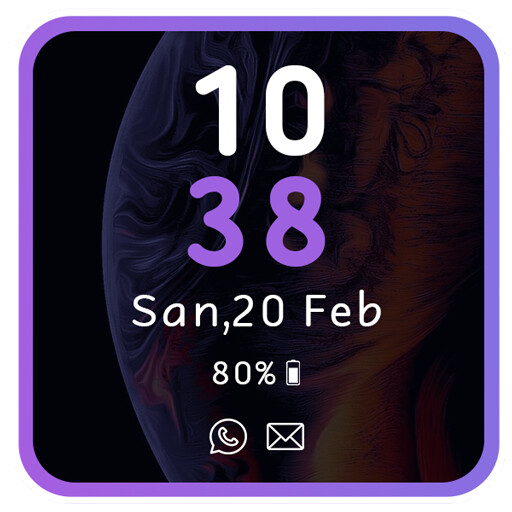
We provide AOD Amoled - Always On Display online (apkid: amoled.alwaysondisplay.alwayson) in order to run this application in our online Android emulator.
Description:
Run this app named AOD Amoled - Always On Display using MyAndroid.
You can do it using our Android online emulator.
The idea is to provide users with information about, time, date, notifications and more and all without having to touch the phone.
Just by looking at it.
AOD Amoled - Always On Display is a unique always on display which provides you with information about your notifications with edge lighting, clock, date, current weather, music control and much more right on your screen without having to touch your phone or tablet.
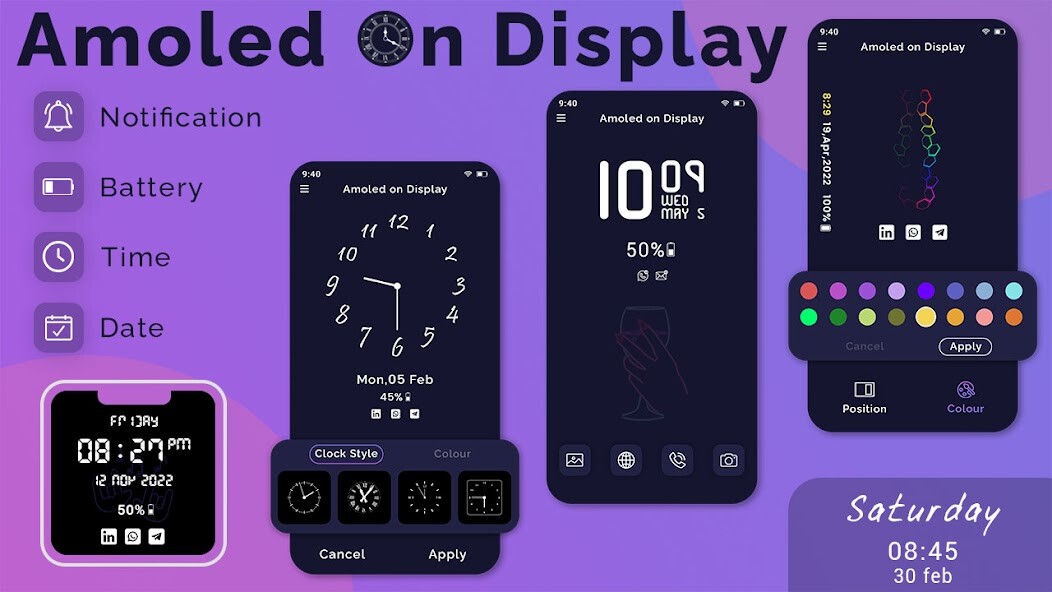
AOD Amoled - Always On Display keep your screen on all the time to show you time in a digital clock and analog clock.
Features: -
- Enable/Disable showing notifications
- Always on Display
- AOD
- Easy to use Always on Amoled
- Cool AMOLED Digital Clocks
- Cool AMOLED Analog Clocks
- AOA
- To wake up your phone double tap on screen
- Memo option with sticky notes
- Change clock style and color
- Stylish and smart Watch - always on amoled
Just by looking at it.
AOD Amoled - Always On Display is a unique always on display which provides you with information about your notifications with edge lighting, clock, date, current weather, music control and much more right on your screen without having to touch your phone or tablet.
AOD Amoled - Always On Display keep your screen on all the time to show you time in a digital clock and analog clock.
Features: -
- Enable/Disable showing notifications
- Always on Display
- AOD
- Easy to use Always on Amoled
- Cool AMOLED Digital Clocks
- Cool AMOLED Analog Clocks
- AOA
- To wake up your phone double tap on screen
- Memo option with sticky notes
- Change clock style and color
- Stylish and smart Watch - always on amoled
MyAndroid is not a downloader online for AOD Amoled - Always On Display. It only allows to test online AOD Amoled - Always On Display with apkid amoled.alwaysondisplay.alwayson. MyAndroid provides the official Google Play Store to run AOD Amoled - Always On Display online.
